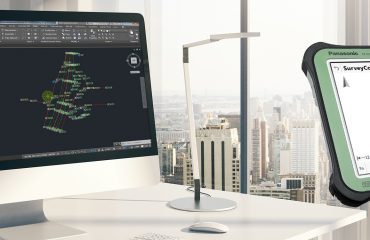
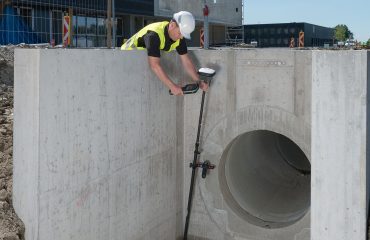
Innovative tools and workflows can simplify data integration, streamline field-to-office communication, and enhance accuracy in road design surveying.
Late nights preparing data for a field crew and long days managing a mix of file types from different clients have long been an accepted part of the surveying workflow for road design projects. From juggling DXF, DWG, and XML files to verifying designs and creating reports, the process can be time-consuming and prone to errors.
But what if there were tools that could streamline these tasks, saving you time and reducing stress?
Let’s explore four common challenges of surveying for road design projects and how modern solutions can improve your workflow.

1. Data Preparation
Problem: You often receive design data in various formats, such as DXF, DGN, and XML. This inconsistency can complicate data preparation and integration.
Solution: Use office software with flexible data preparation options to import and standardize multiple data types efficiently. For example, Leica Infinity enables seamless integration and validation against plan data, whether it’s a DWG file with topographical data or 3D line work from a DXF. This flexibility streamlines the workflow, ensuring that all necessary data is ready for field use.
2. Field Staking
Problem: Visualizing design information in the field can be challenging, especially under pressure from construction crews. Switching between various tasks, such as road and standard staking, can also be stressful.
Solution: Use field software with visualization capabilities to simplify the process by providing clear, real-time views of design data. For example, the Leica Captivate Roads App allows you to perform all necessary staking tasks within a single platform, reducing the need to switch between different tools. This not only enhances efficiency but also minimizes the stress of working in high-pressure construction environments.
3. Checking Constructed Materials
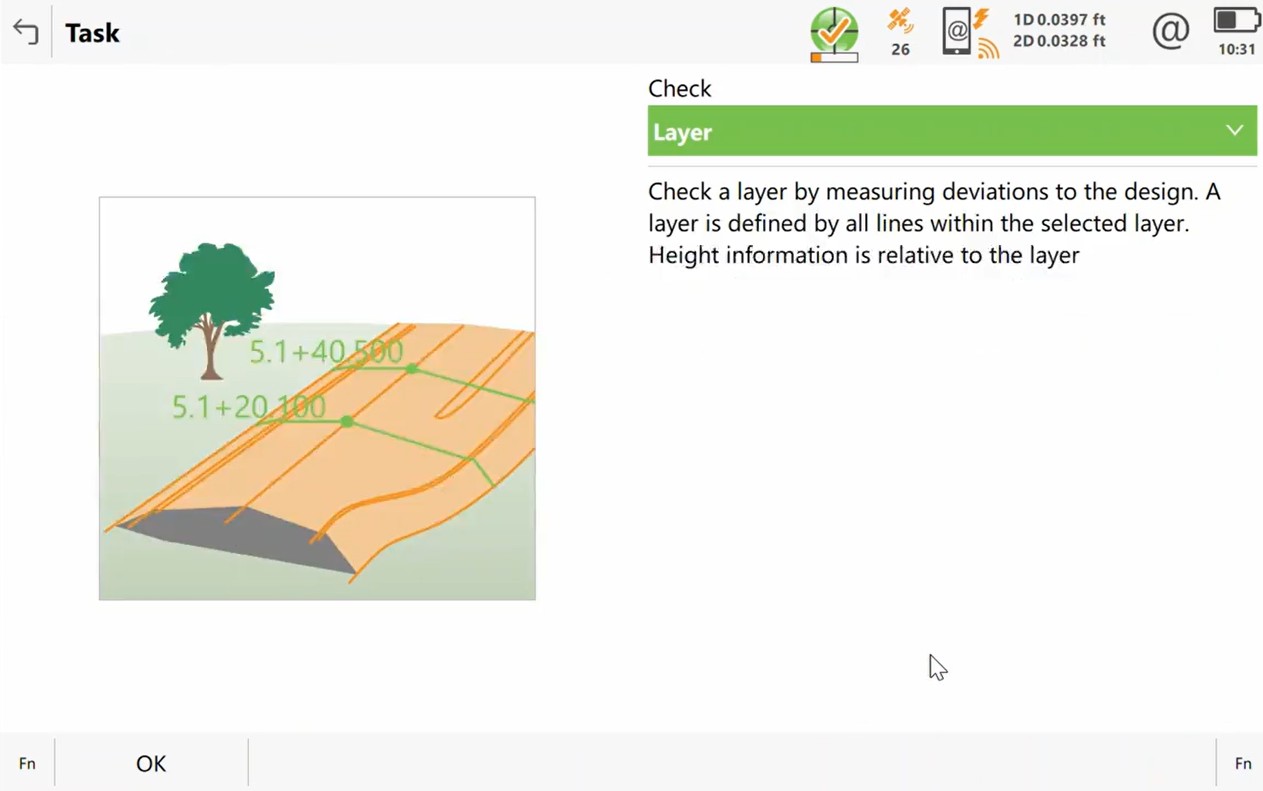
Problem: Visualizing design information against as-built data in the field can be difficult, leading to potential construction errors.
Solution: Use field software with dedicated applications to easily compare as-built surfaces and structures against design information. For example, the 3D views and cross-section visualizations in Captivate enable you to quickly identify discrepancies and ensure that constructed materials meet design specifications. This capability is crucial for maintaining quality control and ensuring project accuracy.
4. Reporting and Quality Control Checks
Problem: Different construction contractors often require various formats and types of information, complicating the reporting process.
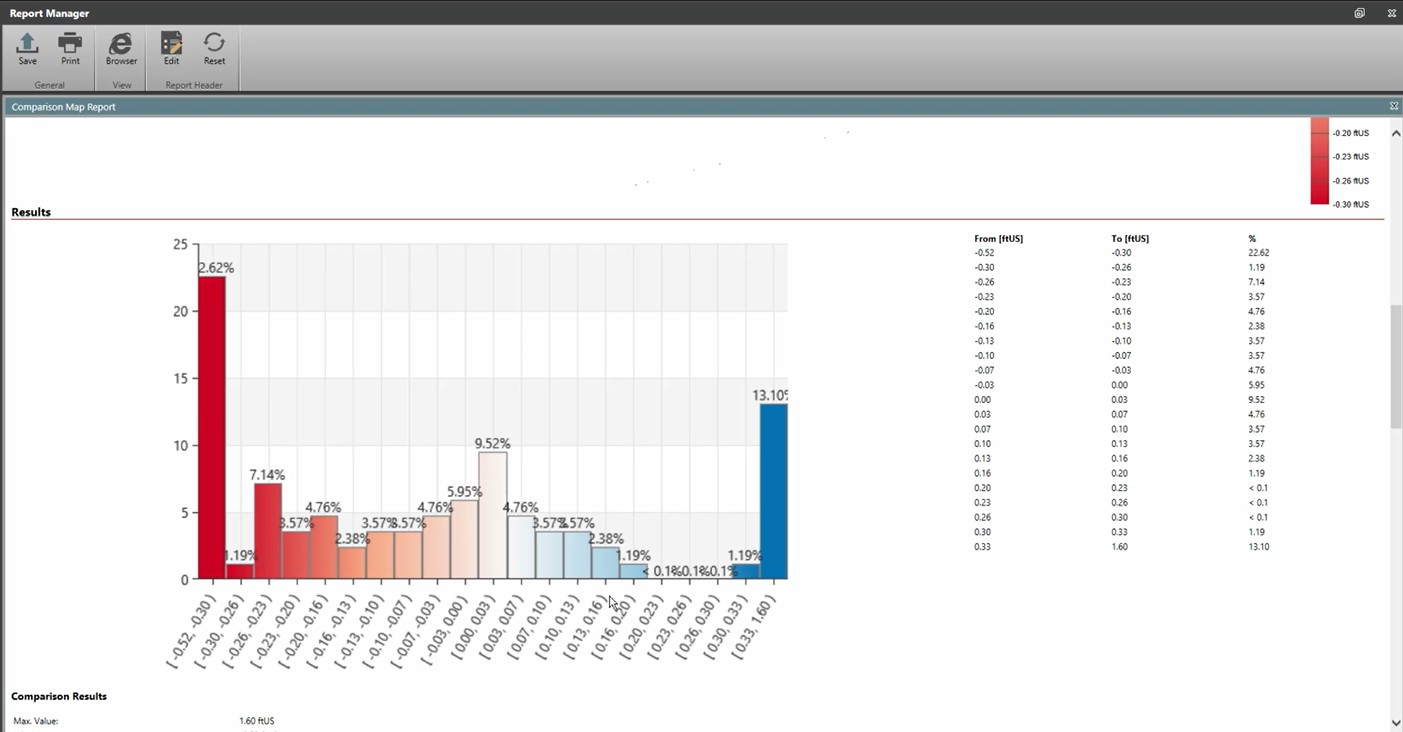
Solution: Use field and office software designed with the flexibility to generate reports that meet the specific needs of different clients. Whether it’s creating customizable cut sheets or detailed comparison maps, Captivate and Infinity streamline the reporting process and ensure that all stakeholders receive the information they need in the format they require. The ability to export data as CSV files and integrate them into existing templates further enhances the efficiency of the reporting process.
Eliminate the Complexity
Surveying doesn’t have to mean long hours in the office or field, wrestling with data formats, design verifications, or reporting. Tools like Captivate and Infinity are designed to simplify and streamline these workflows, enabling you to focus on delivering accurate results. Whether you’re importing mixed data types, verifying designs, or generating clean cut sheets, these solutions can save you time and improve your efficiency.
Why let outdated processes slow you down? Explore these tools today and discover how they can transform your workflow.